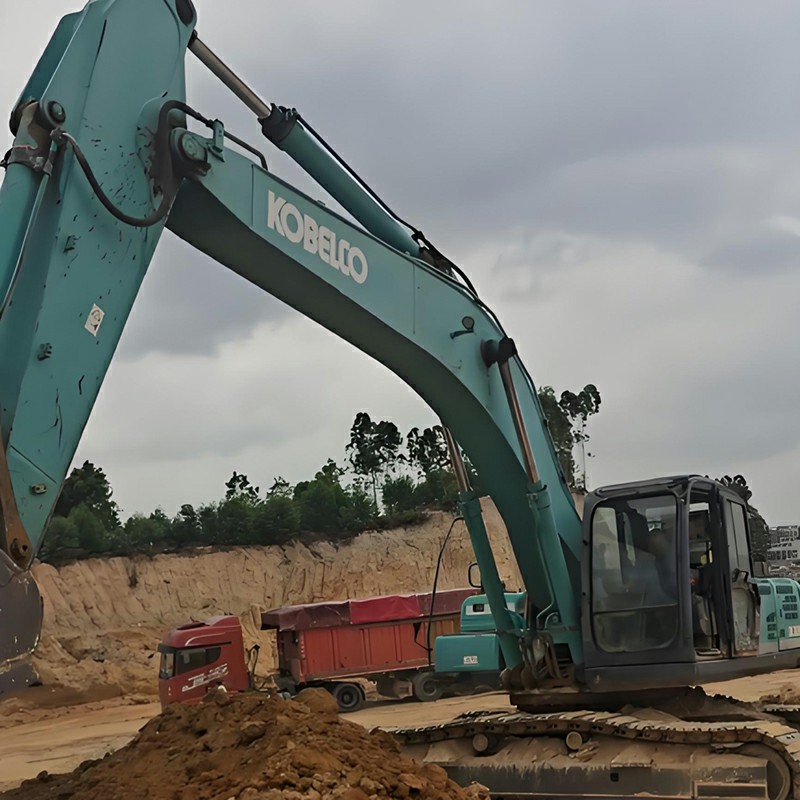
How to Fix Kobelco Excavator Z030 Fault Code (Torque Correction Abnormal)
Encountering the Z030 fault code on your Kobelco excavator can be stressful, especially when it results in abnormal hydraulic pump response or slow machine movements. Often displayed as a "Torque Correction Abnormal" (Torque Correction Abnormal) warning on the monitor, many operators assume it requires an expensive trip to the official repair shop. However, with a professional mechanical adjustment, you can resolve this issue in three simple steps right on your job site.
Step 1: Identify and Diagnose the Z030 Alarm Code on the Monitor
When the machine triggers the Z030 alarm, the monitor will show "Torque Correction Abnormal / Need Repair" (转矩补正异常 需要维修). Before panicking, check your pump pressures and verify that this specific error code is active on your Kobelco (such as Kobelco 260 series).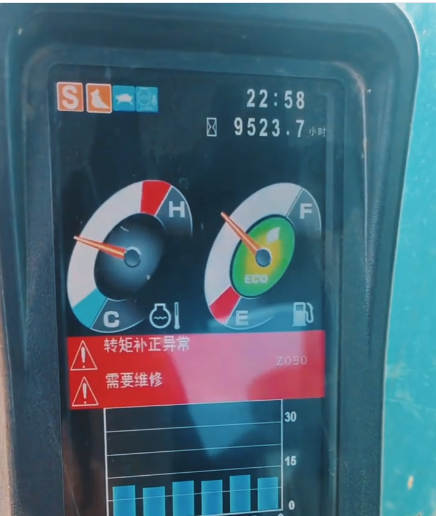
Figure 1: Kobelco monitor displaying the Z030 fault code (Torque Correction Abnormal).
Step 2: Locate the Loose Pump Regulator Adjustment Screw
Open the hydraulic pump compartment cover and inspect the hydraulic pump regulator assembly. The root cause of the Z030 error is frequently a loose locking nut or adjustment screw on the pump regulator servo valve. Check for any mechanical play or oil seepage around this specific bolt.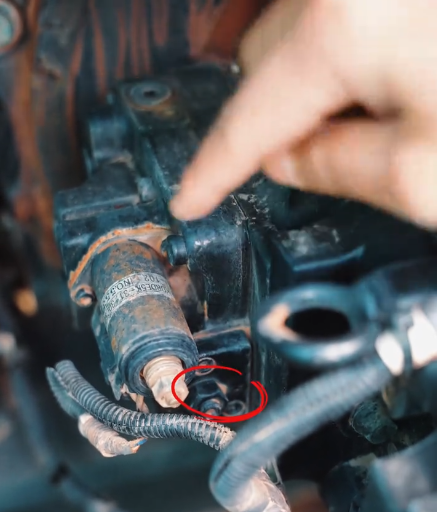
Figure 2: Identifying the specific loose adjustment screw on the pump regulator.